
25,000 and more!

What a way to celebrate the end of 2025 and look forward to 2026! The head of our Refurbishing Project, Mike Hutchinson, sent a modest little email to the Sarasota Tech Users Group board saying

“The Refurb Project passed  25,000 computers refurbished last week.”

Now, I think that’s worth some fireworks, don’t you? The STUG Refurb Project began renovating computers in February 2004. Now, in 2026, over 25,000 computers have been donated to our community. Recipients include disadvantaged school children, low-income adults/seniors, individuals in recovery programs and others trying to emerge from homelessness or other problems. In 2013 the program was expanded to provide computers directly to students in the Sarasota County school system.

The Refurb Project works with directly with many local non-profits. Counselors from these organizations identify those in need and coordinate getting the computers to the individuals. The Children’s Guardian Fund is one that the Refurbishing Project works very closely with to get the computers into the hands of area foster youth.

To give you an idea of just how much 25,000 computers are: They would weigh more than a herd of full-grown elephants!

 Credit Corey Favino / Elephant Family USA and Newport Restoration Foundation

But more important than what they weigh, these 25,000 refurbished machines mean:

25,000 second chances at digital access
25,000 fewer computers in landfills
25,000 doors opened to education, jobs, and connection

More computing power than existed in the entire world in the 1970s, refurbished by a small group of volunteers and supported by donations of devices and operating funds by our community.

Read more about Refurb and how you can help.

Family Gathering? Try this.

It’s December 25 right now, and without responsibility for the Christmas feast, I was reading my emails. Came across this tip from Kim Komando and thought I’d test it out for you:

Use your Voice Memo app to interview the oldest person in the room. Ask them one question: “What was the one gift you wanted most when you were 10 years old?”
The tech genius move: Once you’ve recorded the answer, use an AI tool like Otter.ai or ChatGPT (upload the audio) to transcribe it. Then, ask the AI: “Write a short, heartwarming story based on this memory in the style of a classic Christmas book.” The result: You can print the story out or email it to the whole family. You’ve turned a fleeting, three-minute conversation into a family heirloom that will be read for years.

So I used the voice memo app on my iPhone, told the story of what I wanted most at twelve. Then I transcribed it in that same app (3-dot menu in upper right), then copied it (an offered choice) and pasted it into ChatGPT (by pressing for a long time in the query box) and asked Chat what Kim, above, suggested. (I’m giving you more detailed steps, ’cause Kim sometimes thinks I know how to do something, that I don’t.)

Then I copied the AI-generated story and added it to a holiday template in PicMonkey (you can use Canva if you choose). Adjusted the template, pasted in the text, edited a bit, and played around with fonts and line spacing to have it fit nicely.

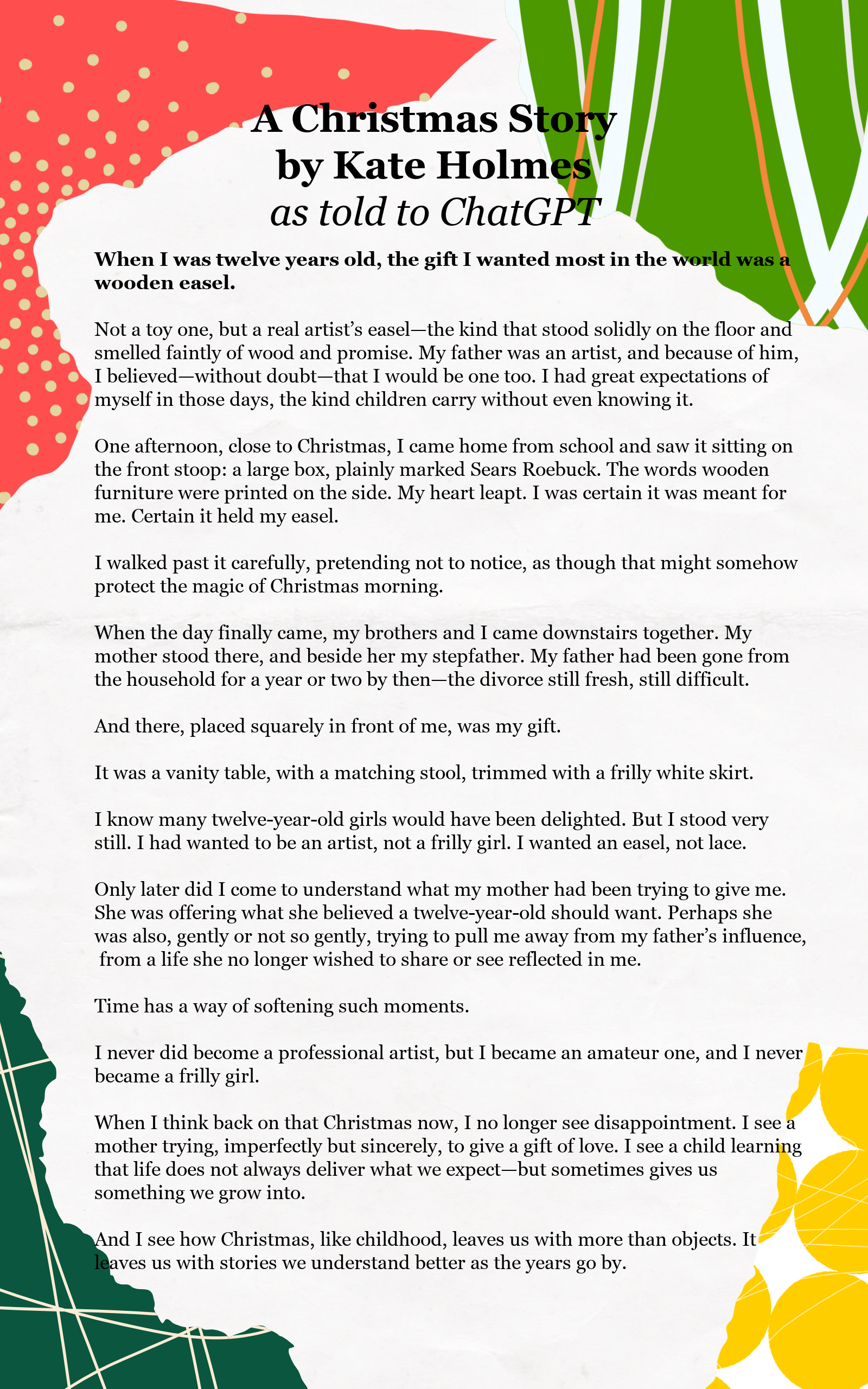
Result: a one-sheet graphic to save, send to family, or print out as a Christmas story.

Try this process if you write a New Year’s family letter sharing what happened this past year!

Here’s my story:

Click to see the letter larger.

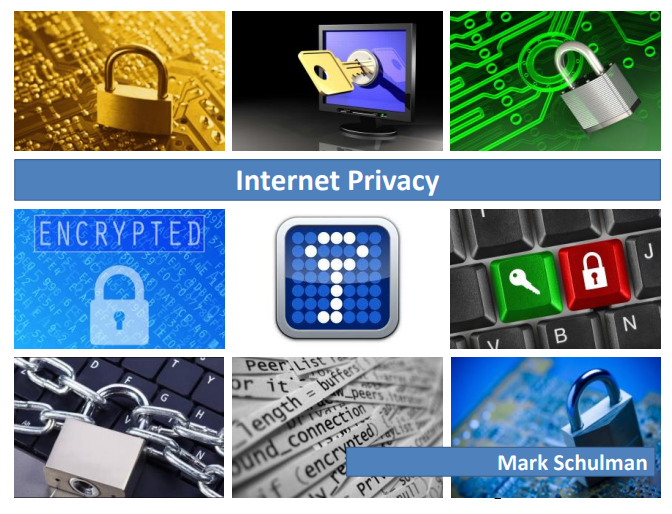
Understanding Privacy Online

“How did they get my credit card number?” “What’s this! My bank just told me all my information’s on the dark web!”

While I still have no idea who used my credit card to pay for a hotel stay 400 miles away (yes, the bank made good on it and mailed me a new card immediately)…. this set of Powerpoint slides has helped me understand the role of password managers, what a VPN actually does and doesn’t do, and what Proton Mail is used for.

Thanks to Sun City Center Computer Club, and presenter Mark Schulman, for sharing this so we can feel like there are things we can do to make our internet visits at least a little less public. Click the image to see the presentation.

The presentation is here.

We Can ALL Use this!

STUG is excited to offer new computer classes designed to cover the basics of using Microsoft Windows. No matter which version of Windows you have, these classes will provide a foundation of essential skills and give you the opportunity to ask questions.
Topics of these classes will include things such as the Desktop screen, the Taskbar, Files and Folders, Apps (applications or software), computer security, searching the internet, playing games, and much more.

We’ll start with two classes in January 2025:

Tuesday, January 14: 10–11 a.m. and Tuesday, January 28: 10–11 a.m. Both classes will be held on Zoom, so you can attend from anywhere with an internet connection. Future classes will be scheduled based on attendance and
interest in January. Many people have expressed enthusiasm for these topics, and we hope to see you there!
To register, check the January issue of the Monitor for more details on specific class topics and instructions for registration. If you have any questions, feel free to contact Jim Cerny at jimcerny123@gmail.com.

In fact, we think Jim’s classes will be so helpful, we even suggest you buy a membership for a friend. They’ll get a year’s worth of help, classes, newsletter, starting off with these NEW classes!

Have yourself a Zoom-y little Christmas!

If you’re planning on holiday visits taking place during the holidays via Zoom, why not try a virtual and festive background? The choices are as endless as your good wishes.

For those of us whose homes could use a little improvent….
For the nature lovers among us.
Perfect for Zooming the grandchildren.
And for those of us who love to rub it in to our Northern friends and family.

There’s great free Zoom backgrounds available for you to choose from. One source is here.

Unsure just how to use a virtual background? Zoom tells all. So does this site.