
Such good folks!

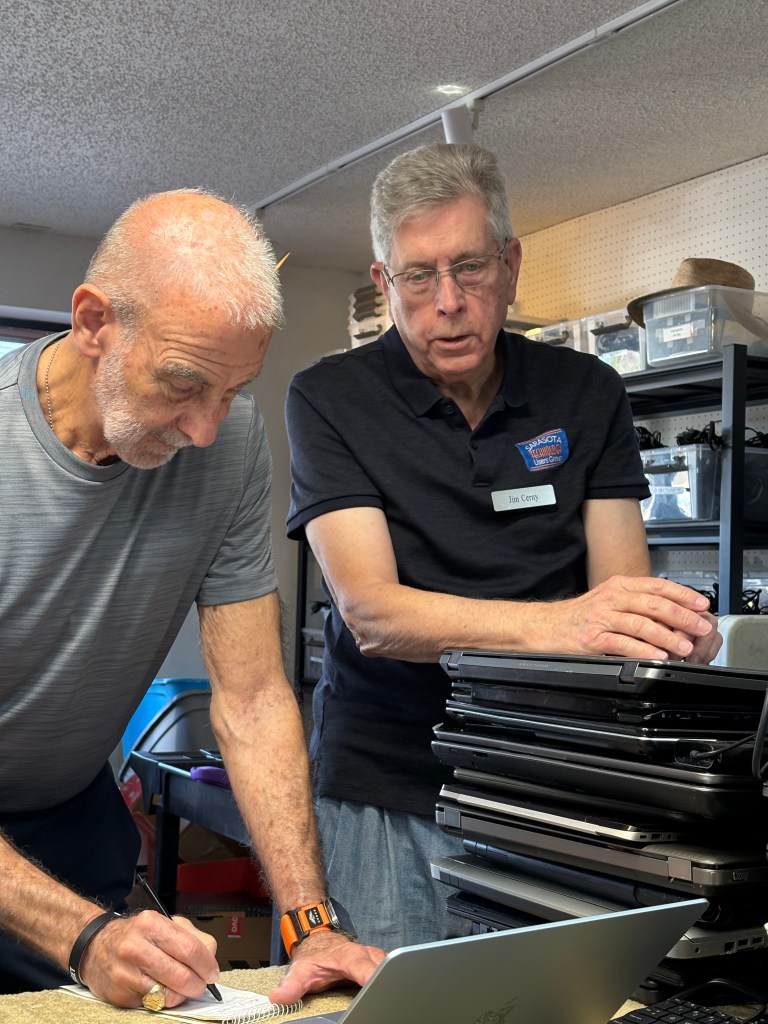
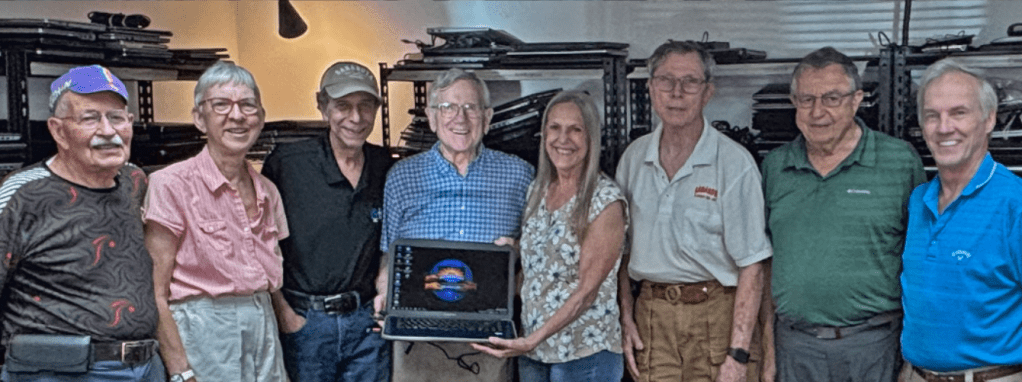
After retiring, many of our fellow citizens here in the Sarasota/Manatee area volunteer, putting their past experience to work for the good of others. Such are the crew of our Refurb Group here at Sarasota Tech Users Group.

Their good work is often noted by the media, such as today’s article in The Observer.

We send our thanks, along with thanks from the recipients of those  25,415 refurbished devices, to Anda S, Bill Crowe, Bruce C, Chuck W, Doug Weiss, Garth H, Kathy K, Randy T, Sandy M, Mike Hutchinson and most especially, Saul Lowitt!

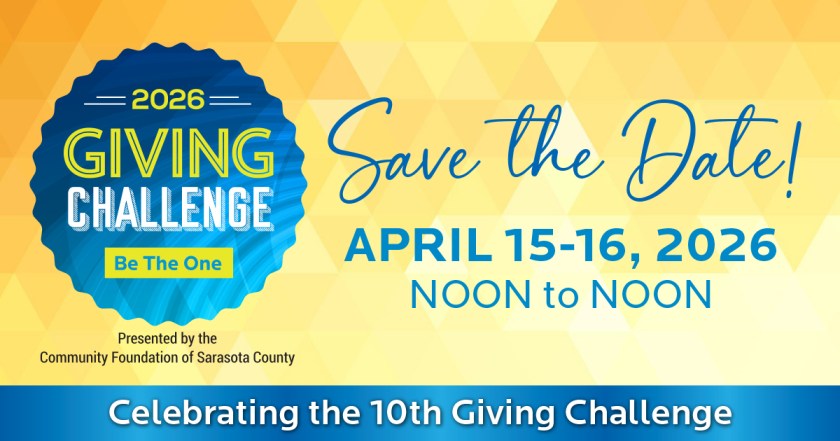
And you can thank them too by participating in April’s Giving Challenge, which comes along only once every two years and is a major source of funds for batteries, parts, and more at the Refurb Group.

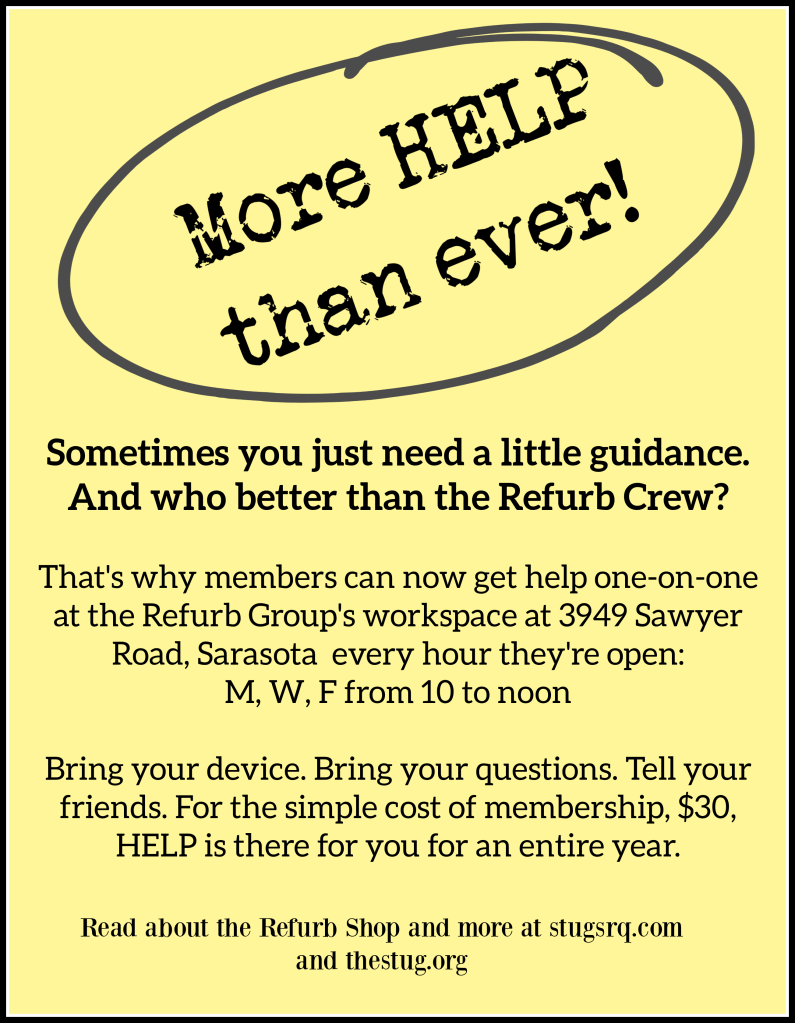
PS Did you hear? The HELP DESK is now open even longer hours!

Fabulous Fabrication: Fab Lab

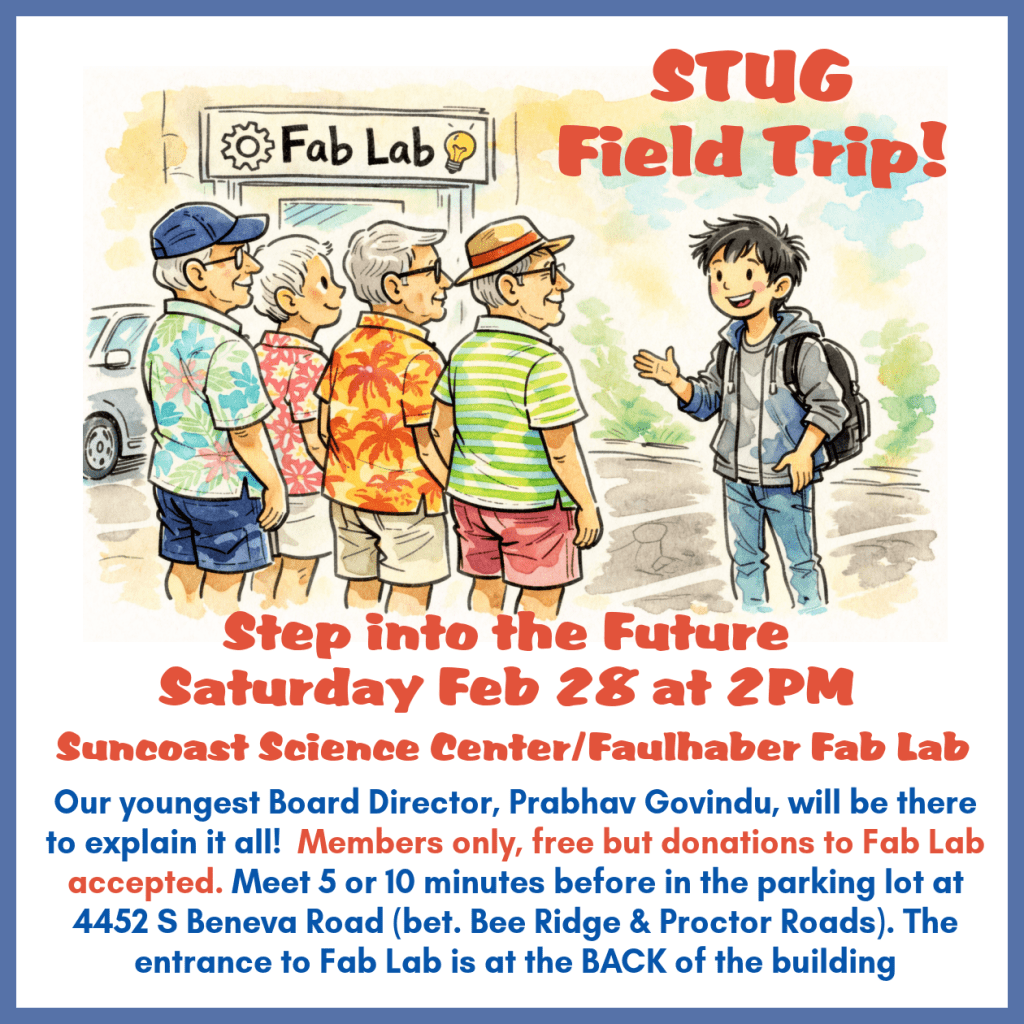
Our email and Facebook notice graphic, ICYMI. Remember to open your member emails and follow us on Facebook.

The first bit of education came about while we were waiting for our STUG field trip to start. Looking around, I said to Board Director Prabhav Govindu “Wow, this really IS fabulous!” He agreed but said “It’s really Fabrication Lab”.

Which made total total sense during our hour-and-a-half tour he took members on. Laser cutting machines for wood and metal. Vinyl cutting machines and printers and a giant press iron for embellishing T-shirts. Classrooms for elementary and middle school students to learn STEAM lessons.

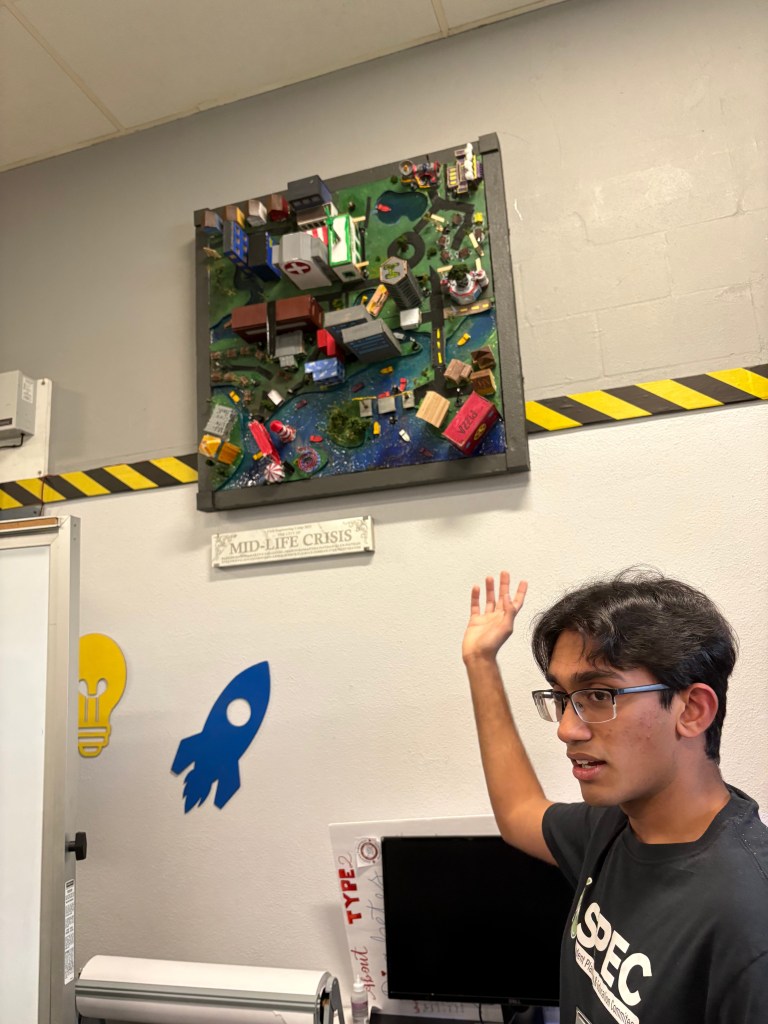
Prabhav showing the group a middle-school project as well as a marble slab engraved onsite.

STEAM stands for Science, Technology, Engineering, Arts, and Mathematics. (They added the A to the original STEM in response to feedback saying education in STEM is great, but blending technical subjects with arts (visual arts, music, design, humanities) will encourage creative thinking.

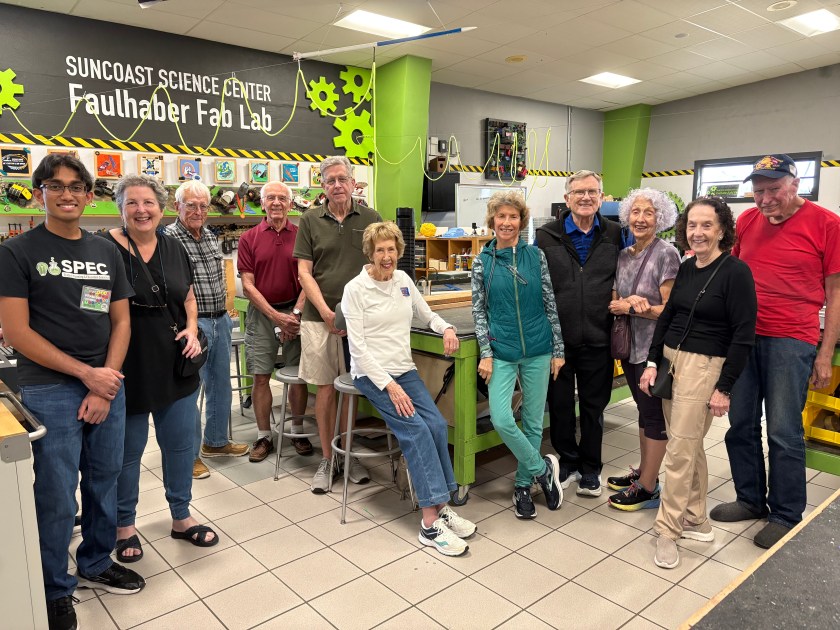
Ten STUG members enjoying their “field trip” to Suncoast Science Center.

The 3D printers were a fascinating attraction. There’s also a full woodworking room, classrooms full of craft materials for the youngest students, and take-home science kits, delivered and retrieved by Fab Lab volunteers to public and private schools and even homeschooler events.

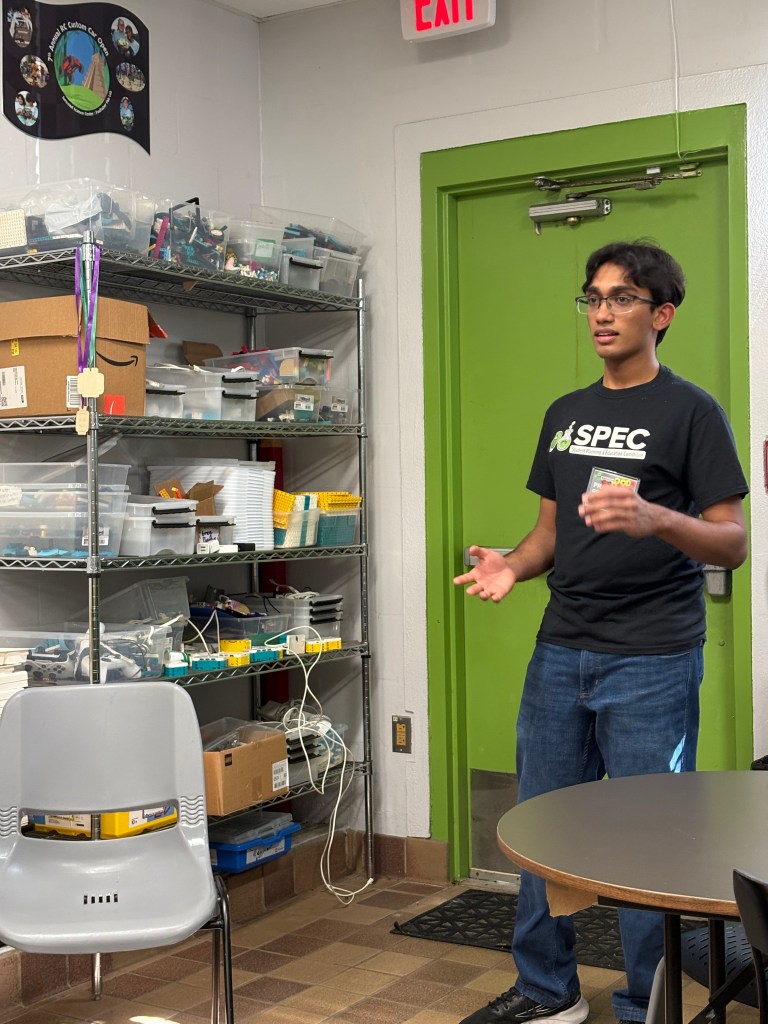
A gracious and knowledgeable guide fielding questions right and left.

Best news for our members? Supporting Suncoast Science Center with your membership also allows you to use any of their equipment by appointment, free instructions and guides as needed. Here’s where to become a member.

Our first STUG field trip was a great success! Where shall we make tracks to next time? Comment below.

A new event! Remember field trips?

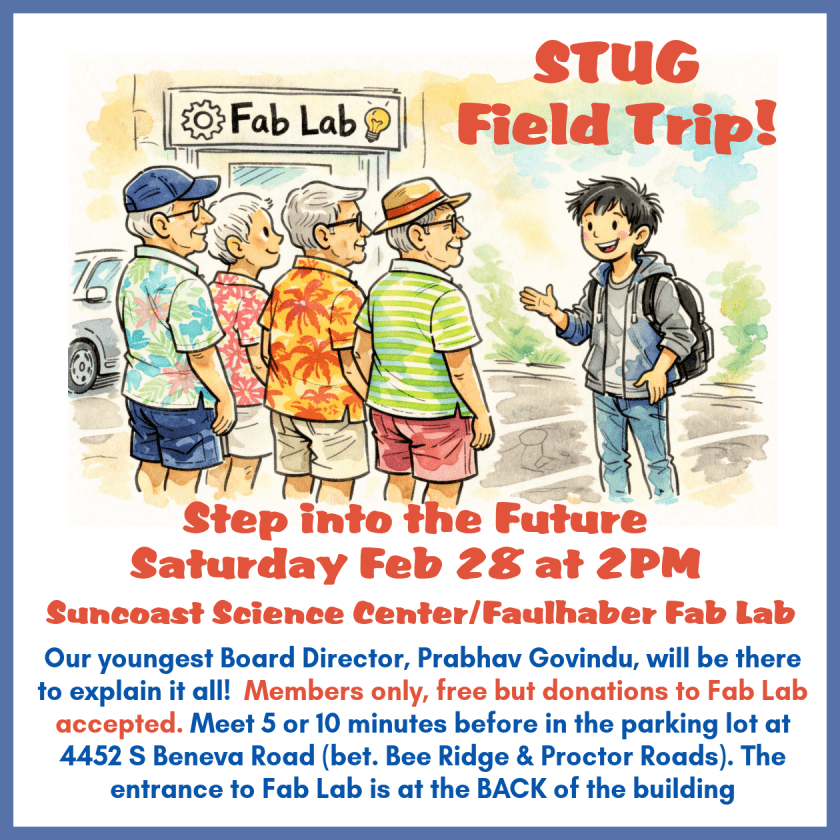
Well, STUG is offering one for its members on Saturday February 28 at 2PM. It’s a trip to the future… read on. Hope to see you there. Keep reading…

Didn’t you love field trips when you were just a little tyke? Here’s our newest educational offering, and I dunno about YOU but I want to see all the cool stuff that will be just normal everyday stuff in the future. Join us!

Step into the Future
Saturday Feb 28 at 2PM
Suncoast Science Center/Faulhaber Fab Lab

Our youngest Board Director, Prabhav Govindu, will be there to explain it all! Members only, free but donations to Fab Lab accepted. Meet 5 or 10 minutes before in the parking lot at 4452 S Beneva Road (bet. Bee Ridge & Proctor Roads). The entrance to Fab Lab is at the BACK of the building

25,000 and more!

What a way to celebrate the end of 2025 and look forward to 2026! The head of our Refurbishing Project, Mike Hutchinson, sent a modest little email to the Sarasota Tech Users Group board saying

“The Refurb Project passed  25,000 computers refurbished last week.”

Now, I think that’s worth some fireworks, don’t you? The STUG Refurb Project began renovating computers in February 2004. Now, in 2026, over 25,000 computers have been donated to our community. Recipients include disadvantaged school children, low-income adults/seniors, individuals in recovery programs and others trying to emerge from homelessness or other problems. In 2013 the program was expanded to provide computers directly to students in the Sarasota County school system.

The Refurb Project works with directly with many local non-profits. Counselors from these organizations identify those in need and coordinate getting the computers to the individuals. The Children’s Guardian Fund is one that the Refurbishing Project works very closely with to get the computers into the hands of area foster youth.

To give you an idea of just how much 25,000 computers are: They would weigh more than a herd of full-grown elephants!

 Credit Corey Favino / Elephant Family USA and Newport Restoration Foundation

But more important than what they weigh, these 25,000 refurbished machines mean:

25,000 second chances at digital access
25,000 fewer computers in landfills
25,000 doors opened to education, jobs, and connection

More computing power than existed in the entire world in the 1970s, refurbished by a small group of volunteers and supported by donations of devices and operating funds by our community.

Read more about Refurb and how you can help.

Family Gathering? Try this.

It’s December 25 right now, and without responsibility for the Christmas feast, I was reading my emails. Came across this tip from Kim Komando and thought I’d test it out for you:

Use your Voice Memo app to interview the oldest person in the room. Ask them one question: “What was the one gift you wanted most when you were 10 years old?
The tech genius move: Once you’ve recorded the answer, use an AI tool like Otter.ai or ChatGPT (upload the audio) to transcribe it. Then, ask the AI: “Write a short, heartwarming story based on this memory in the style of a classic Christmas book.The result: You can print the story out or email it to the whole family. You’ve turned a fleeting, three-minute conversation into a family heirloom that will be read for years.

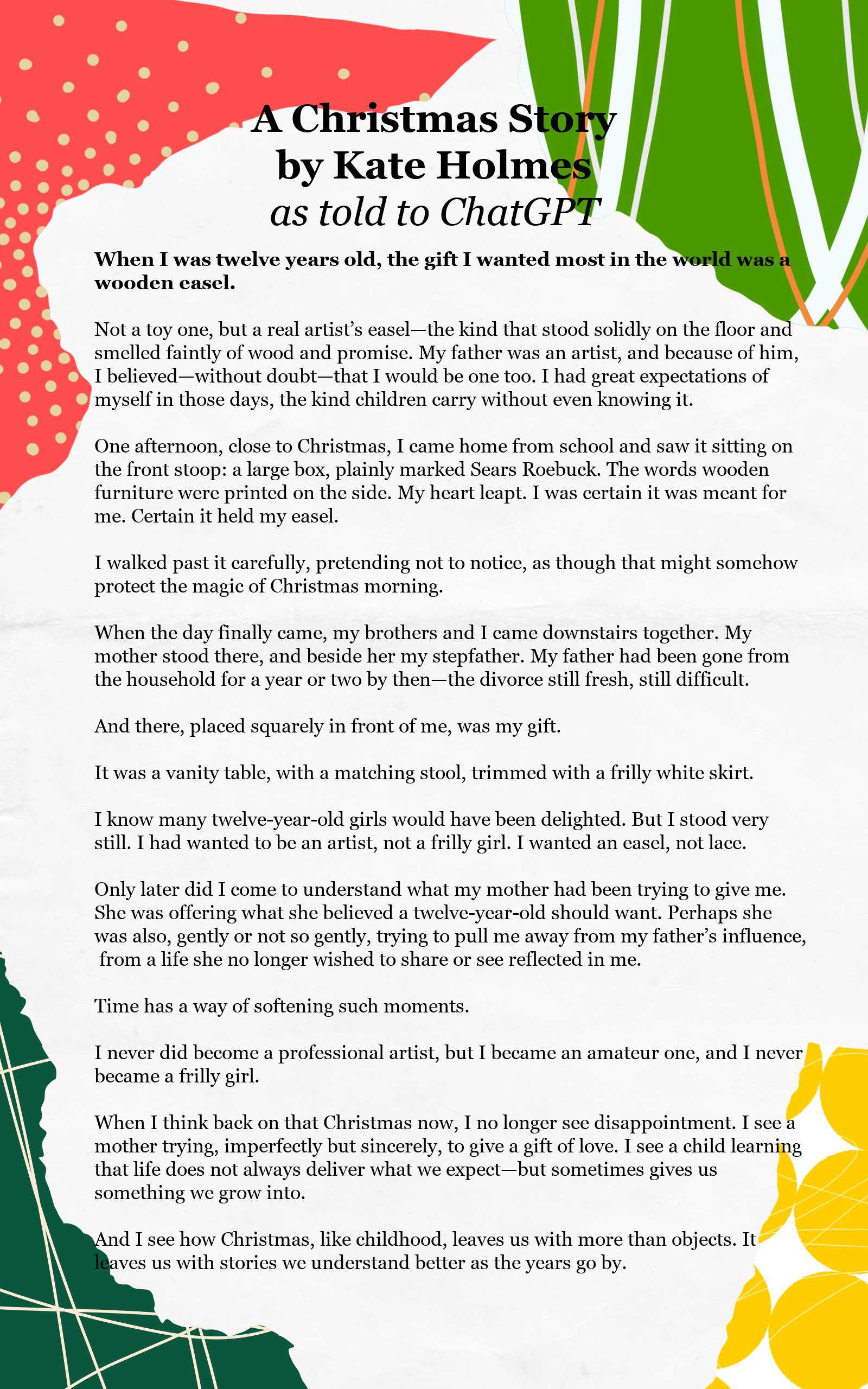
So I used the voice memo app on my iPhone, told the story of what I wanted most at twelve. Then I transcribed it in that same app (3-dot menu in upper right), then copied it (an offered choice) and pasted it into ChatGPT (by pressing for a long time in the query box) and asked Chat what Kim, above, suggested. (I’m giving you more detailed steps, ’cause Kim sometimes thinks I know how to do something, that I don’t.)

Then I copied the AI-generated story and added it to a holiday template in PicMonkey (you can use Canva if you choose). Adjusted the template, pasted in the text, edited a bit, and played around with fonts and line spacing to have it fit nicely.

Result: a one-sheet graphic to save, send to family, or print out as a Christmas story.

Try this process if you write a New Year’s family letter sharing what happened this past year!

Here’s my story:

Click to see the letter larger.

Understanding Privacy Online

“How did they get my credit card number?” “What’s this! My bank just told me all my information’s on the dark web!”

While I still have no idea who used my credit card to pay for a hotel stay 400 miles away (yes, the bank made good on it and mailed me a new card immediately)…. this set of Powerpoint slides has helped me understand the role of password managers, what a VPN actually does and doesn’t do, and what Proton Mail is used for.

Thanks to Sun City Center Computer Club, and presenter Mark Schulman, for sharing this so we can feel like there are things we can do to make our internet visits at least a little less public. Click the image to see the presentation.

The presentation is here.