

Questions that occur to me as I lie awake in the middle of the night. Silly questions. The kind that won’t let you get back to sleep. Why blue? Here’s one answer. Maybe it’ll help you sleep tight.
Author: Kate
Working hard, learning lots.
No, I mean *exactly* where?
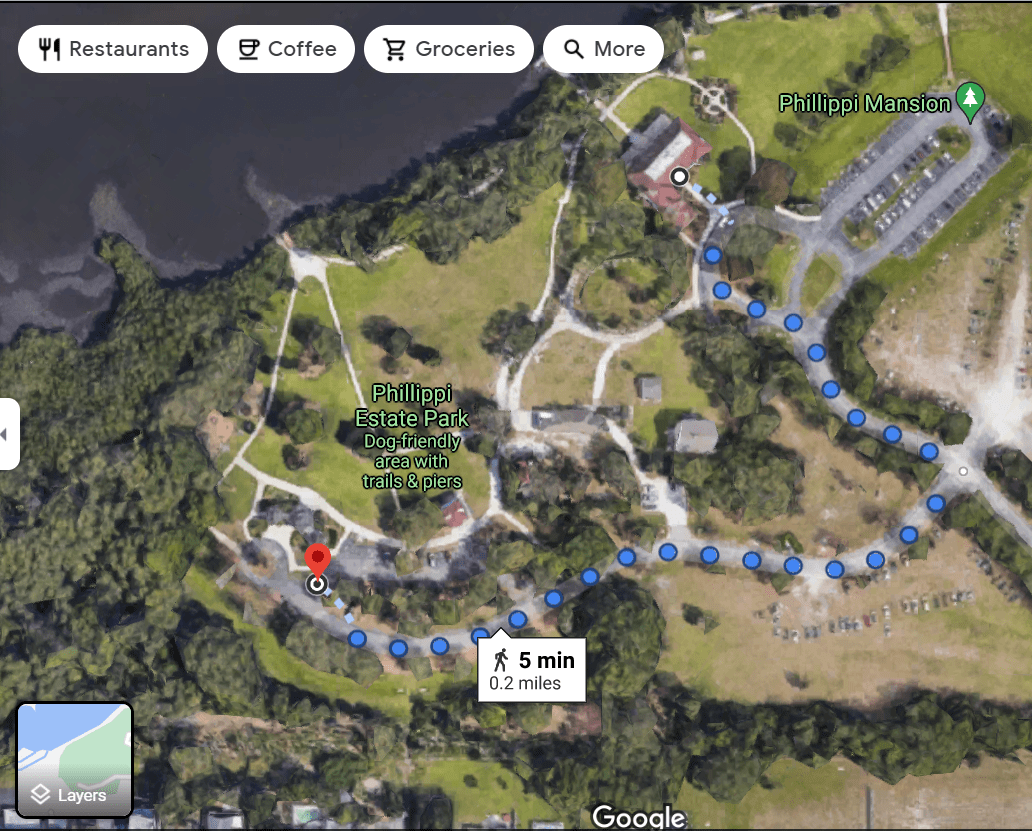
Tired of missed connections? There’s something I just discovered on Google Maps that might help. It’s called Plus Codes.
Plus Codes work similar to street addresses. They can help you get and use a simple digital address. They can also help you define a specific location for a conventional address. For example, you can identify different entrances to the same building.
… or for example where in Phillippi Estate Park to meet (here’s an example:
7F98+X8 ), or the location you’ve staked out on Siesta Beach. You can even get directions.
Plus Codes is actually designed for what is called “the unaddressed”, people’s residences or businesses that through tradition or oversight don’t have postal addresses, but as you see, it works in what in our area would be considered wilderness.
How to get, and how to share, and how to utilize Plus Codes.
As you can see, you can now tell people exactly where to go. A boon to mankind.
See you at the Gazebo!
So what work did your grandfather (great-grandfather, etc) do?
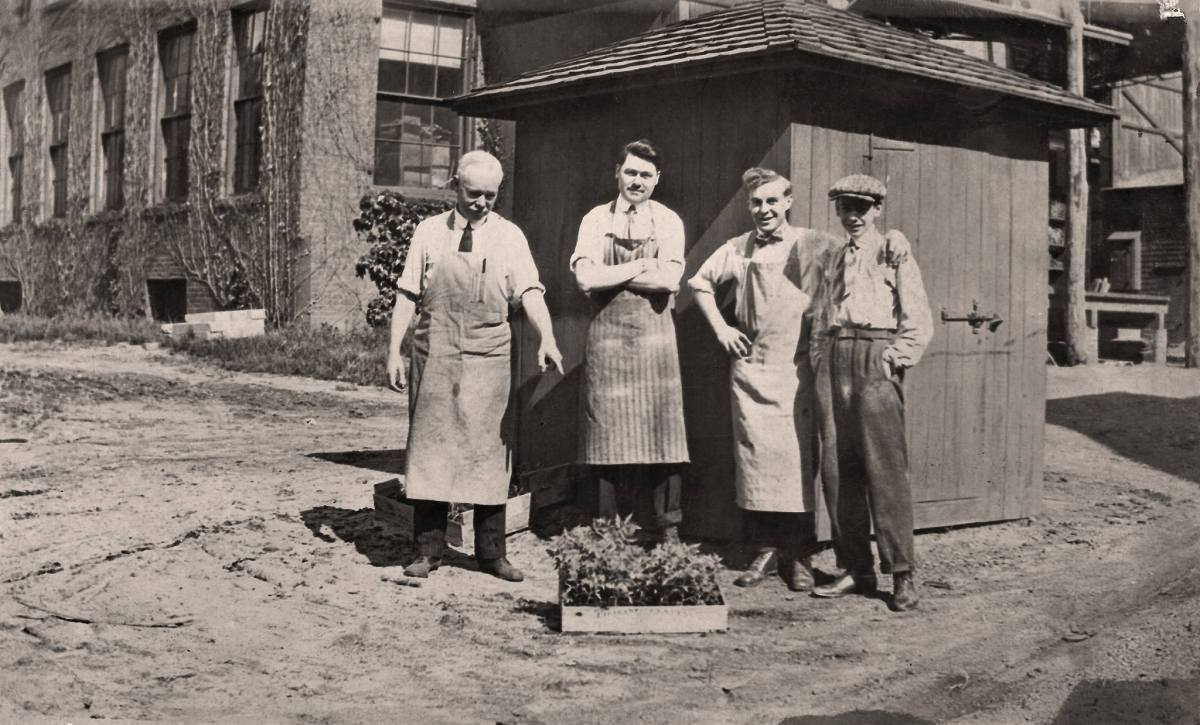
Did you get enthused by STUG’s monthly meeting about getting started in genealogy? (Did I spell that right?)? Even if you’re not a beginner, but elbow-deep in ancestors, there’s some great info there (listen to why borthdates might not always be as accurate as they could be LOL)
Here’s the meeting’s recording on the STUG YouTube channel.
Is it any wonder?
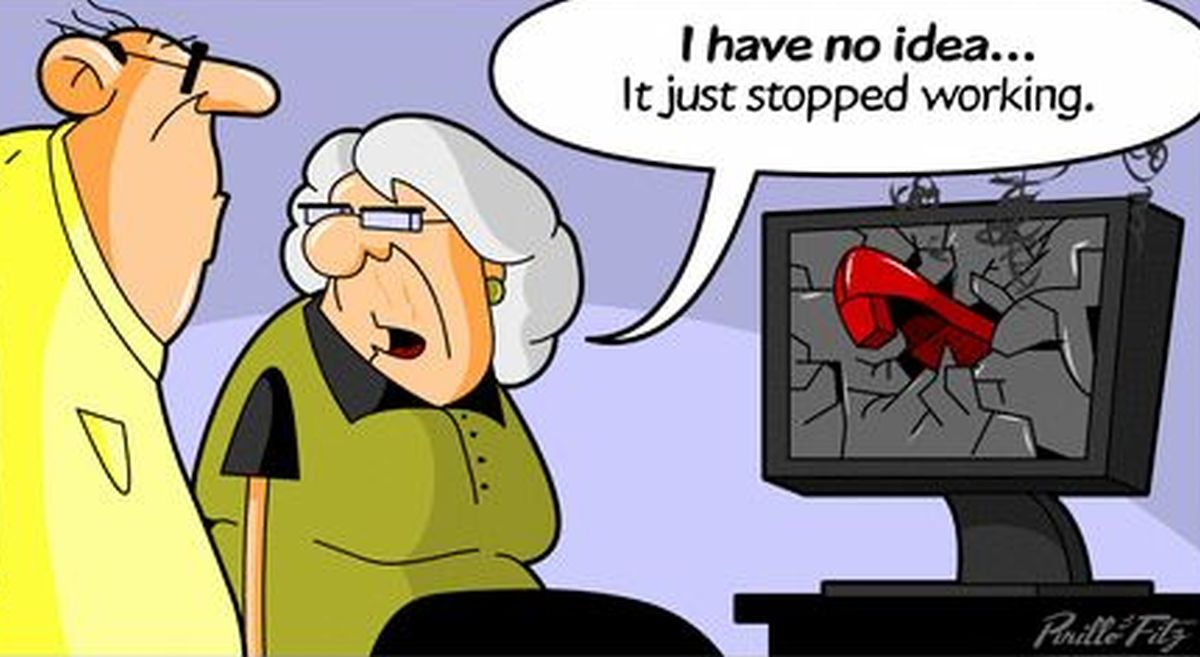
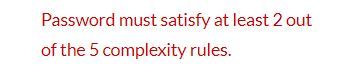
Ever feel like throwing a shoe through your computer? I do. This is a real actual screen shot of what happened to me one day. Need I add that yes, it was on a device running Windows.
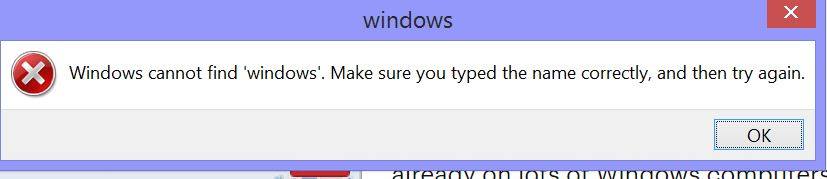
And, okay, I imagine some geek got tired of creating a password then having it rejected as not complicated enough. His/her solution? This message:
And then there’s life’s little frustrations.




So what to do? Well, there are folks at STUG who can help! Free classes and monthly meetings, small online Q&A sessions, and even one-on-one help. All for an incredibly low membership rate. Join today.
Some of the smiles above are mine, some aren’t, and if you’re the creator who would like to have credit, let us know and we’ll happily share your info… ’cause you’ve certainly lightened our day.
Get Started in Genealogy
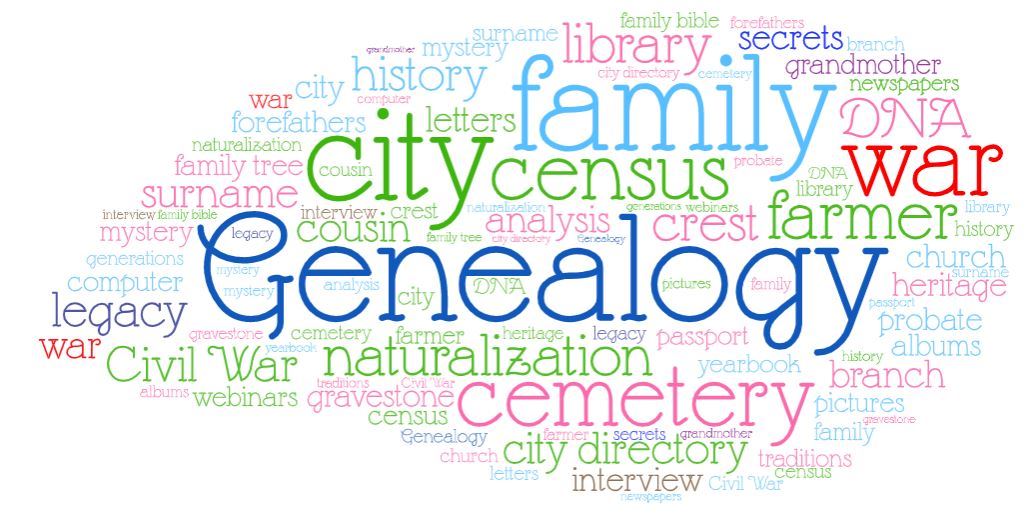
This is one monthly meeting you won’t want to miss! On Wednesday September 1 at 7PM Eastern, via Zoom, you’re invited to learn, free, how to get started, free, with researching family history. Just another perk from thestug.org!
You do need to register beforehand so we can save you a seat and remind you via email that it’s coming.
Designed for the beginning genealogy researcher, you will learn:
- How to begin and avoid mistakes;
- library resources across the country;
- free genealogy online websites and resources;
- your computer group and genealogy,
- plus a word about DNA and social media.
Presenter Susan Mueller is a retired educator and administrator. She leads the monthly Genealogy SIG at Computer Users of Erie PA and has been working seriously on genealogy for more than 25 years. Sue is also a member of the Daughters of the American Revolution and serves as the local chapter’s registrar. An active participant and presenter for the Erie Society for Genealogical Research, she also teaches at the Erie County Public Library.
The meeting’s free for all, but joining STUG helps us keep you supplied with ways to make the most of your screen time, and for $30 a year, is the cheapest tech education you’ll ever find! Remember to register … and to let friends and family know about this educational opportunity!
Join the Space Age

One day I decided to explore the extensions in my Chrome browser, and it’s been a joy ride to uninterrupted reading ever since.
My favorite Chrome Extension is Mercury Reader. If you’ve ever been annoyed and distracted by ads, popups, videos which run without your permission you need this!
In addition to (almost 100%, nobody’s perfect) eliminating the commercials while leaving the meat of a web page, Mercury Reader also allows you adjust font size, copy text, and even adjust the background color from white to black. You can print the cleaned-up page, send it via email, even make a PDF of it. You can even send pages to your Kindle reader, though I haven’t tried that.
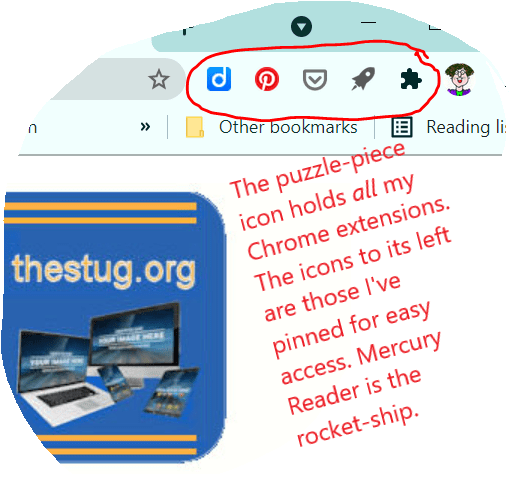
With Mercury Reader, I make the most of my screen time!
- More info from Chrome
- A video on Mercury Reader
- Alternatives to Mercury Reader (you see in the above screen shot, I use Pocket, the grey hip-pocket-looking icon, as well… does something similar but I can save and tag articles with Pocket for later reading.)
Just the facts, m’am

As Jack Webb on Dragnet was famous for saying,
Just the facts, m’am.
Well Jack would be astounded at the feast of facts our Members-Only newsletter has in it each month. In addition to the “coming attraction” of our monthly virtual meeting (this month, learn about Zwave, Zigbee, Wifi hubs and all sorts of stuff for automating your home), the August issue has a Beginner’s Guide to Zoom (Zoom meetings don’t seem to be going away any time soon…),
Bill Crowe explains (with pictures!) how to bypass phone trees on your iPhone
Phil Sorrentino really digs into “the cloud”
and Jim Cerny waxes lyrical, expanding on my short blog topic of right-clicking and the real difference it can make in your life.
Of course, every monthly issue also includes the details on our presentations of Tech for Seniors, our Help Desk, iPad and iPhones, the MAC Forum, MAC classes, and Members Helping Members, and so much more.
Yup, Ron Brown & Hewie Poplock, Bill Crowe, Bob Gostischa, Jim Cerny, Ray Baxter & Dewey Kloos and Phil Sorrentino are just some visible “facts” and benefits of membership in STUG. Between them and the back-stage folks managing all this… won’t you join us?

