
Family Gathering? Try this.

It’s December 25 right now, and without responsibility for the Christmas feast, I was reading my emails. Came across this tip from Kim Komando and thought I’d test it out for you:

Use your Voice Memo app to interview the oldest person in the room. Ask them one question: “What was the one gift you wanted most when you were 10 years old?
The tech genius move: Once you’ve recorded the answer, use an AI tool like Otter.ai or ChatGPT (upload the audio) to transcribe it. Then, ask the AI: “Write a short, heartwarming story based on this memory in the style of a classic Christmas book.The result: You can print the story out or email it to the whole family. You’ve turned a fleeting, three-minute conversation into a family heirloom that will be read for years.

So I used the voice memo app on my iPhone, told the story of what I wanted most at twelve. Then I transcribed it in that same app (3-dot menu in upper right), then copied it (an offered choice) and pasted it into ChatGPT (by pressing for a long time in the query box) and asked Chat what Kim, above, suggested. (I’m giving you more detailed steps, ’cause Kim sometimes thinks I know how to do something, that I don’t.)

Then I copied the AI-generated story and added it to a holiday template in PicMonkey (you can use Canva if you choose). Adjusted the template, pasted in the text, edited a bit, and played around with fonts and line spacing to have it fit nicely.

Result: a one-sheet graphic to save, send to family, or print out as a Christmas story.

Try this process if you write a New Year’s family letter sharing what happened this past year!

Here’s my story:
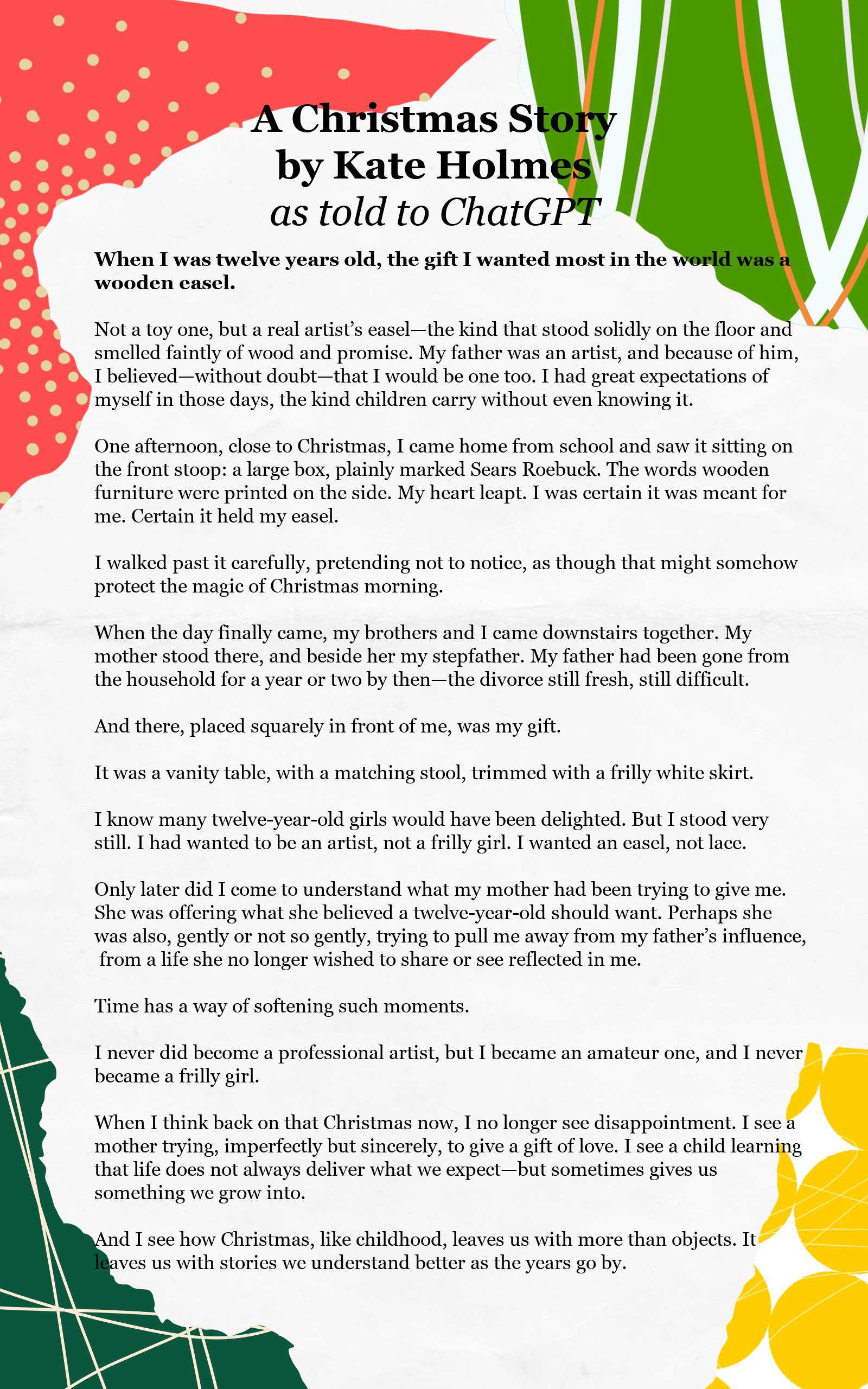
Click to see the letter larger.

When Sam Altman talks….

Ran across this recently. Making sure your family has a “safe word” is now more important than ever.

Altman Warns: Use a Safe Word
In an interview with Tucker Carlson, Sam Altman said the quiet part out loud: you can no longer trust voice, video, or text by default. His recommendation was stark—families may need rotating “safe words” to verify identity during sensitive interactions.
The concern is no longer future-facing. Voice cloning, real-time impersonation, and deepfake scams are already operational. Altman’s message wasn’t that AI might get there—it’s that it already has.
When the CEO of OpenAI says you shouldn’t assume what you see or hear is real anymore, that’s not hype. It’s an admission of arrival. Source: https://www.aiornot.com/

The AI world is moving so fast. I found a 2023 article on how you make your own voice recording, using nothing more than your phone. It’s meant so that you can use your iPhone to speak, outloud, the words you type. Fabulous for the speech-impaired or even if you are just suffering laryngitis… but also scary. My trial “personal voice” sounds pretty real to me. If I were nefarious, I could combine it with some background noise (a truck stop?) and make a convincing scam phone call to a frantic relative.

So make sure your extended family does have a code phrase or family word, and change it regularly.

Tip: Chat GPT is butting in to say: Choose something ordinary, not alarming (“blue notebook,” “Tuesday soup”), so it doesn’t raise suspicion if overheard. [Ed. Note: Tuesday soup?]

What’s your Learning Style?

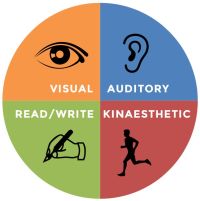
Educators have said that each of us has a preferred learning style… by watching, reading, listening, or doing.

Well, lucky for those of who want to Get More out of your Screen time™ STUG now offers it all!

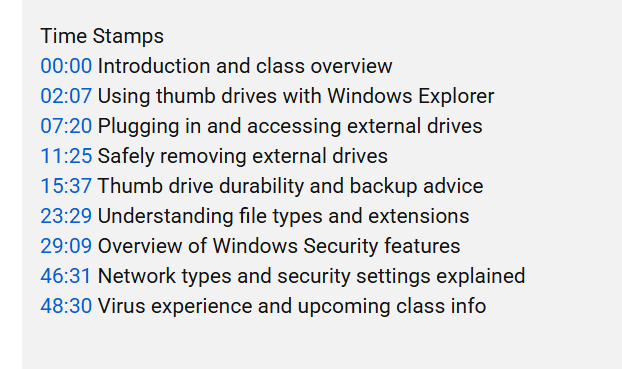
Visit our YouTube channel to see our recordings of our monthly presentations, general classes, and informational sessions. There, of course, you can watch our videos… but do you know you can also click on timestamps to take you directly to each topic in the video? Click “more” in the description below the video to get to this:

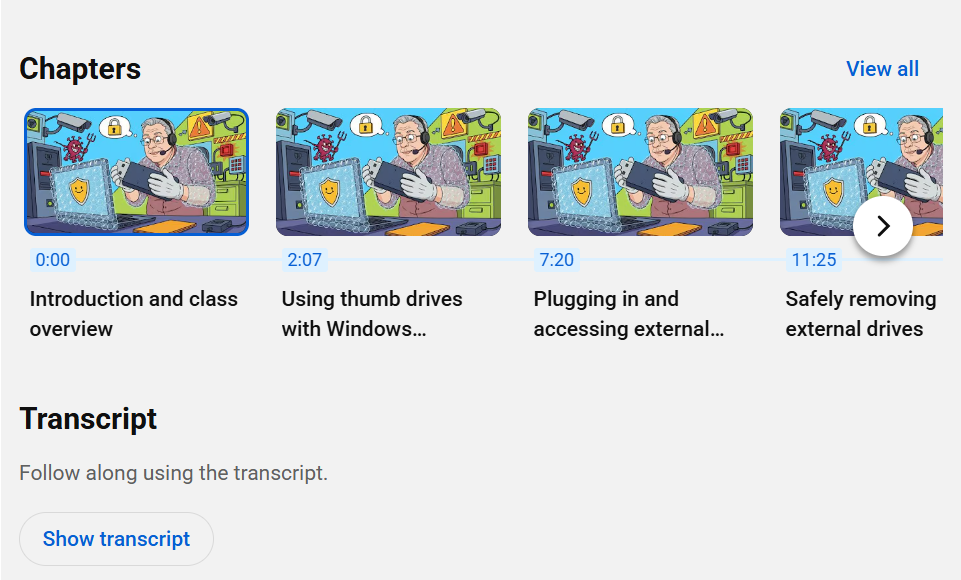
And if you go further down that “more” screen, you’ll come to cute little graphics telling you the same thing in cartoony pictures, and then… my favorite, you can even read the transcript for the entire video!

And now we’re proud to present the “doing” style of learning: our Face-to-Face Help Desk at our Refurb headquarters! Hours vary; call ahead 941-539-7401.

Of course, there are more ways that STUG volunteers help you to Get More out of your Screen time™ such as our Saturday morning 2-hour classes focusing on iPhones and iPads, and our monthly newsletter, The Monitor… but those are benefits for members only… so scoot over to our online payment page to join us, for less than 50¢ a week!

Face-to-Face Help is Back!

Remember back before the pandemic, when we met once a month at the school and there was always the Help Desk for some face-to-face assistance with some problem you had?

Members-Helping-Members is nice but it’s hard to find the telephone/ texting time to work with other members. And our archive of past monthly meetings, sometimes with video, slide deck, and/or PDF is invaluable but your question might still not be specifically addressed. There’s the resource list we recently added here on the blog… but darn it, you still might need a real person to help

Well, It’s Back!

The Help Desk is better than ever! UPDATE MAY 2026: The IRL Help Desk is available on Wednesdays from 10 to noon. Every Tuesday, from 10am til noon, several volunteer members will staff the IRL Help Desk at the Refurb Group’s facilities. They will be ready to help you solve those annoying problems and find the just-right solution.

So here’s what we suggest: As you’re using your devices and you notice something you’d like to know more about, scribble it down. Tuck those scraps of paper in your pocket (or add them to your “I need to find out…” file on your computer, tablet or phone), and come visit!

This is a benefit strictly for current members. If your membership has lapsed, you will be required to rejoin to take advantage of the Help Desk. Our help is offered free, but there will be the opportunity to donate whatever you choose to our rental expenses. Hours vary, call Bill Crowe at 941-441-5158.