
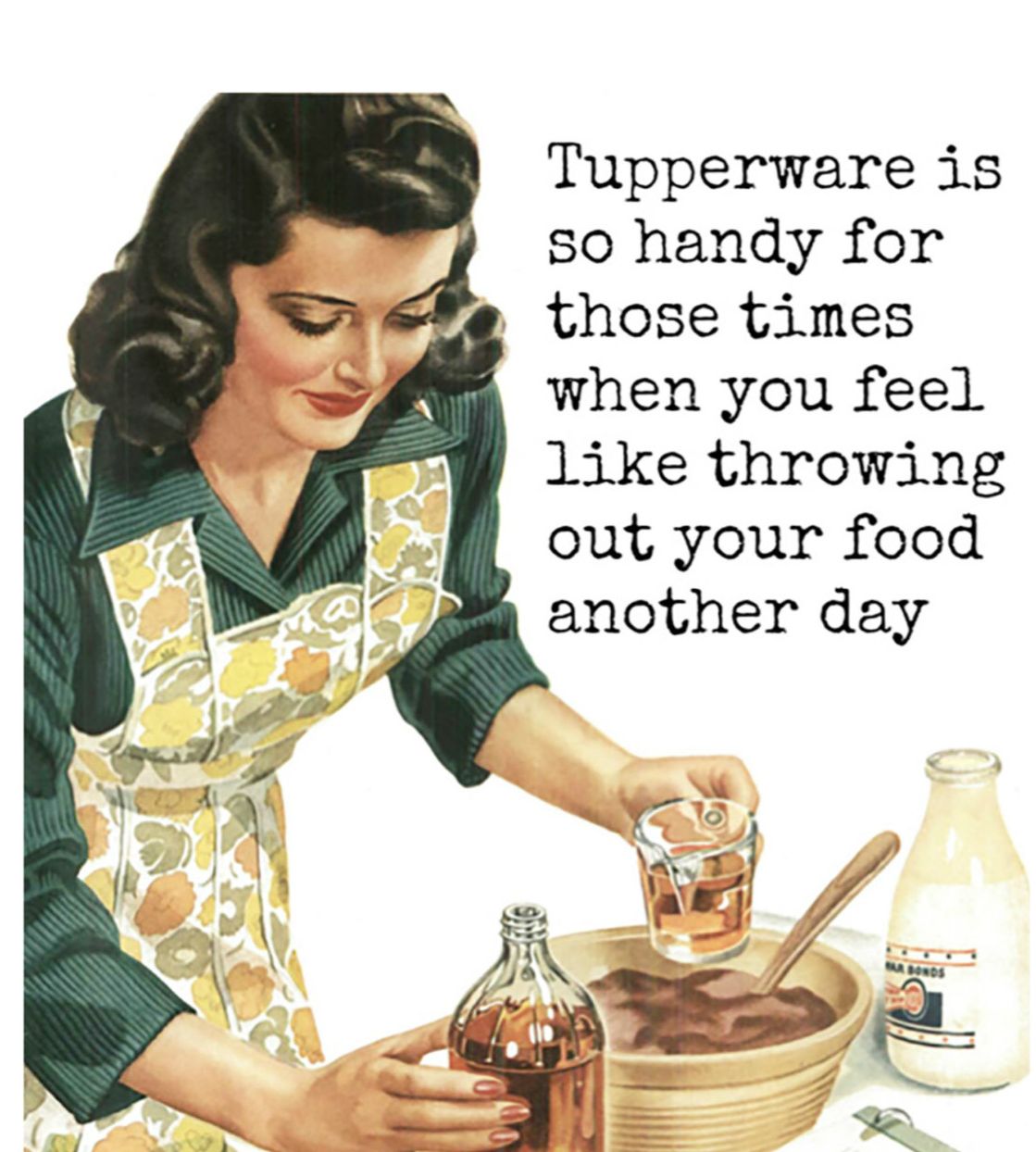
I love to cruise the ‘net, but alas… I get so easily distracted. So I’ve learned how to save articles and feast on leftovers later. Kinda like eternal Tupperware.
If you’re running the latest version of Chrome on your computer, you’ve probably noticed the Reading List button—it’s right below your avatar in the top right corner of the browser, unmistakably labeled “Reading List.” (On an iPhone or iPad? Tap the three dots in the bottom right of the screen.)
Using the Reading List is the same as bookmarking a web page. It’s available in Chrome on the desktop (Windows, Mac, and Linux) and for iPhone and iPad. Android user? Read this.
Pages saved to your Chrome Reading List can be read without an internet connection—though you do need internet to add to the list.
I prefer Pocket myself; It’s the graphics it saves that help me remember why I wanted to get back to me on that. It also can read many of your saved articles to you. I do need some organizational skills though so I should probably read this.
How about sending webpages to your Kindle? Yup, you can do that.
The world is so full of a number of things, I’m sure we should all be as happy as kings.
Robert Louis Stevenson
Want a deeper dive?
- https://www.howtogeek.com/719357/what-is-the-chrome-reading-list-and-how-to-use-it/
- https://www.makeuseof.com/tag/save-websites-to-read-later-on-your-kindle/
- https://www.popsci.com/diy/google-chrome-reading-list-guide/
- YouTube on using Pocket on your phone: https://www.youtube.com/watch?v=U9mAQr33p7E
Discover more from STUG
Subscribe to get the latest posts sent to your email.


